Inbox01
Structured triage
Filter by status, category, and Project; inspect the reporter and consented diagnostics; assign, prioritize, and transition with ETag protection.
Integrate / Console
The first-party console covers Tenant membership, invitations, session inventory, Project onboarding, relying-party settings, credentials, users, and audit activity.
Account setup
Tenant Members administer ComplicatedAuth. Project Users are separate identities that belong to one customer application.


Customer operations
Owners, administrators, and support members can triage Project-linked questions, feedback, and bugs without exposing internal correspondence to customer workloads.
Filter by status, category, and Project; inspect the reporter and consented diagnostics; assign, prioritize, and transition with ETag protection.
Append customer-visible replies or operator-only notes, upload constrained attachments, and keep content out of lifecycle events and audit payloads.
Link a remote ticket without making its provider, identifier, status, or schema part of the core Support Case contract.
OAuth and delegated APIs
OAuth Applications identify clients. Resource Servers identify exact API audiences. Administrative scope grants bound what a Tenant Member may approve; no client registration silently implies delegated access.
Create public or confidential clients, manage exact redirects with ETags, overlap-rotate expiring secrets, and copy values only once.
Register one immutable exact audience, define immutable capability tokens, maintain consent descriptions, and inspect the current scope-v1 policy version.
Assign a non-empty scope subset to each client/audience pair; changes revoke affected server-tracked access tokens.
Review the client, return host, exact audience, and registered capability descriptions before approving or denying.
See identity and Resource Server consents separately and revoke each client/audience grant with its associated server-tracked tokens.
Tenant access
The Tenant Members page lists role, status, and email-verification state. Owners and administrators can invite non-owner members; owner-only invariants remain enforced by the API even if concurrent consoles submit changes.
Manage owner, admin, developer, support, and viewer access with final-owner protection.
Create invitations idempotently, deliver fragment-based links by email without exposing them to administrators, inspect safe metadata, and revoke pending invitations.
Add, name, rename, and remove passkeys or attested security keys; review assurance and revoke sessions without exposing reusable values.
Authenticated workspace
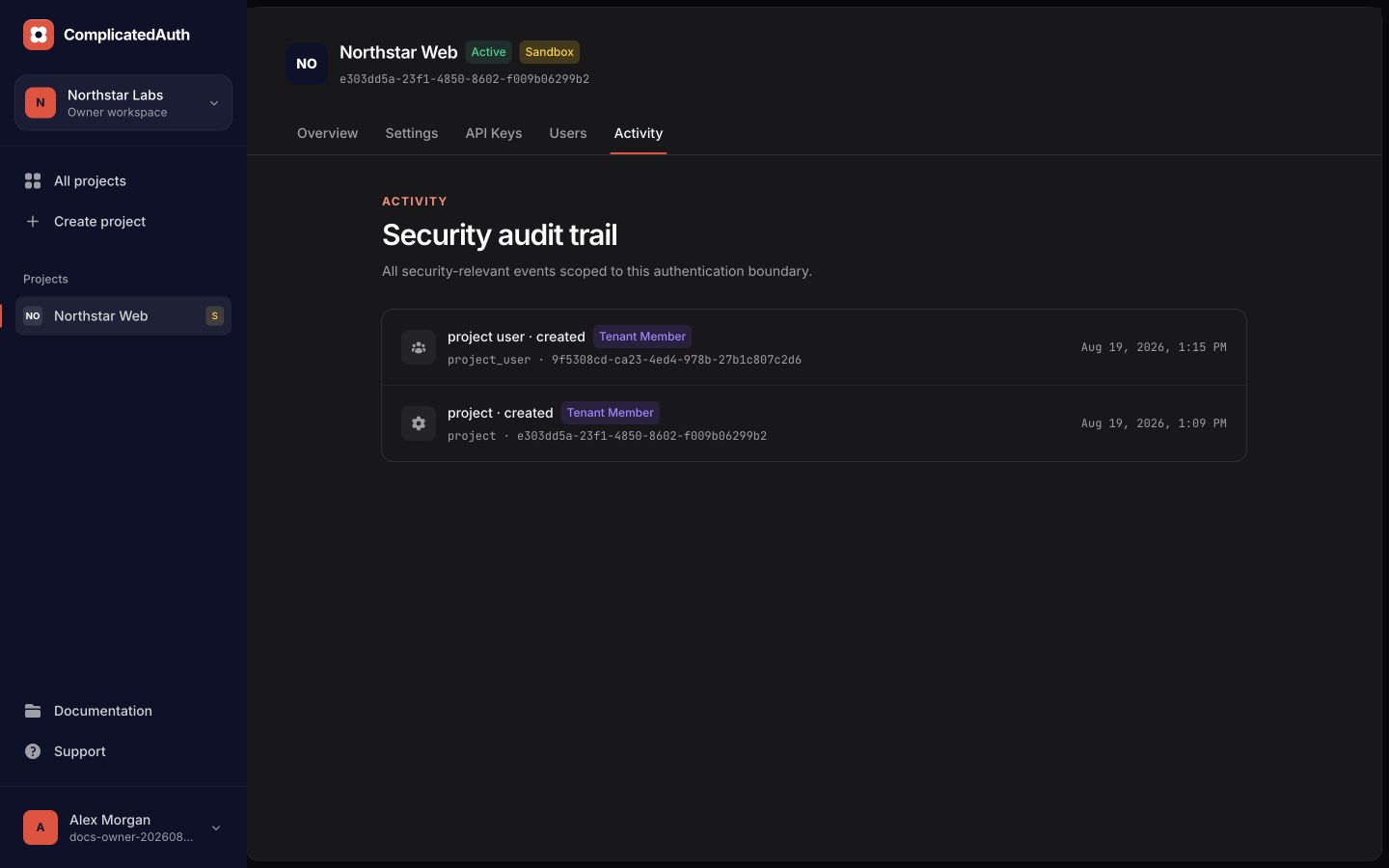
These screenshots use synthetic local data. No production credentials or customer records are shown.
Current surfaces
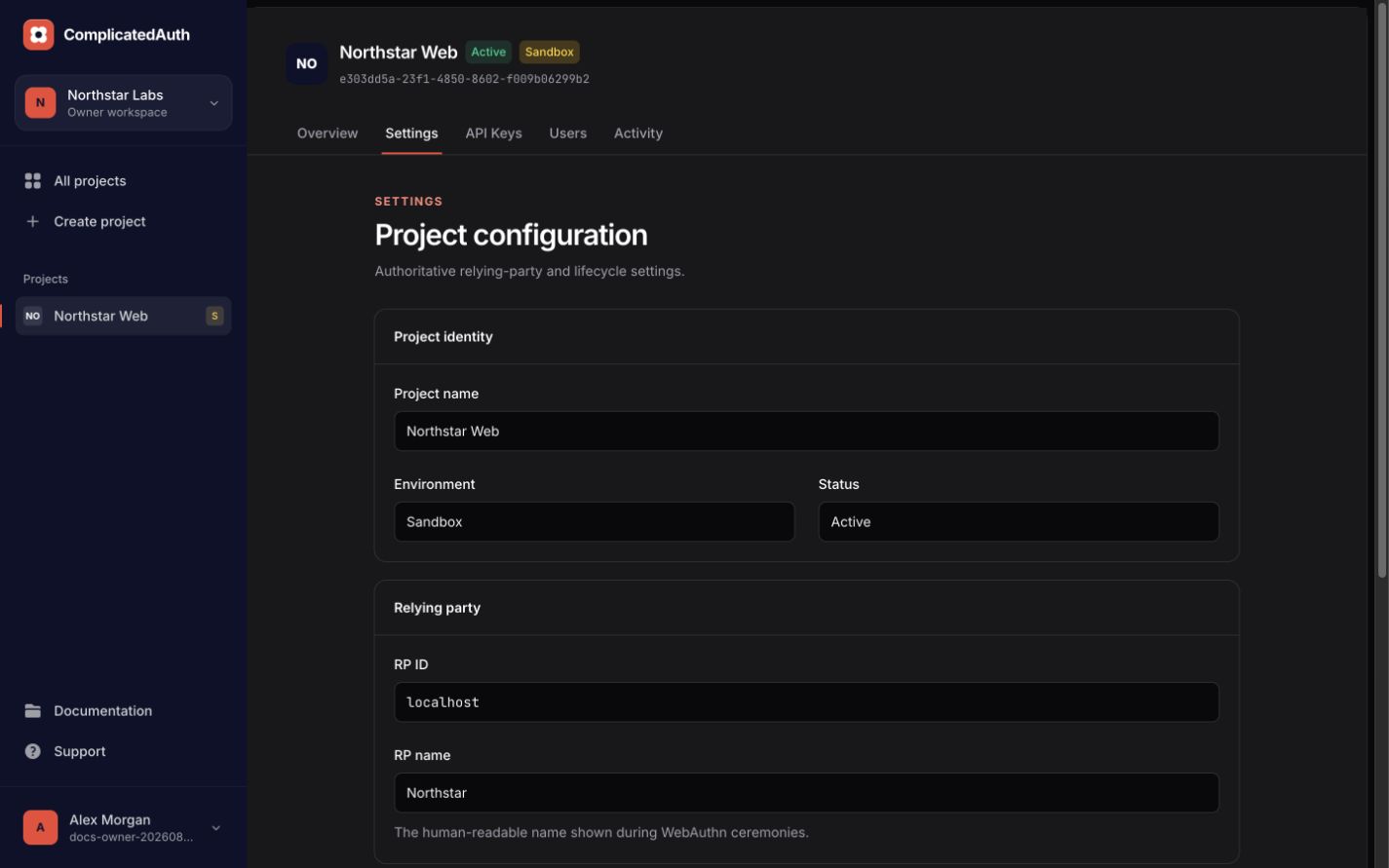
Origins are currently consolidated into Settings and the old Origins URL redirects to an anchor.
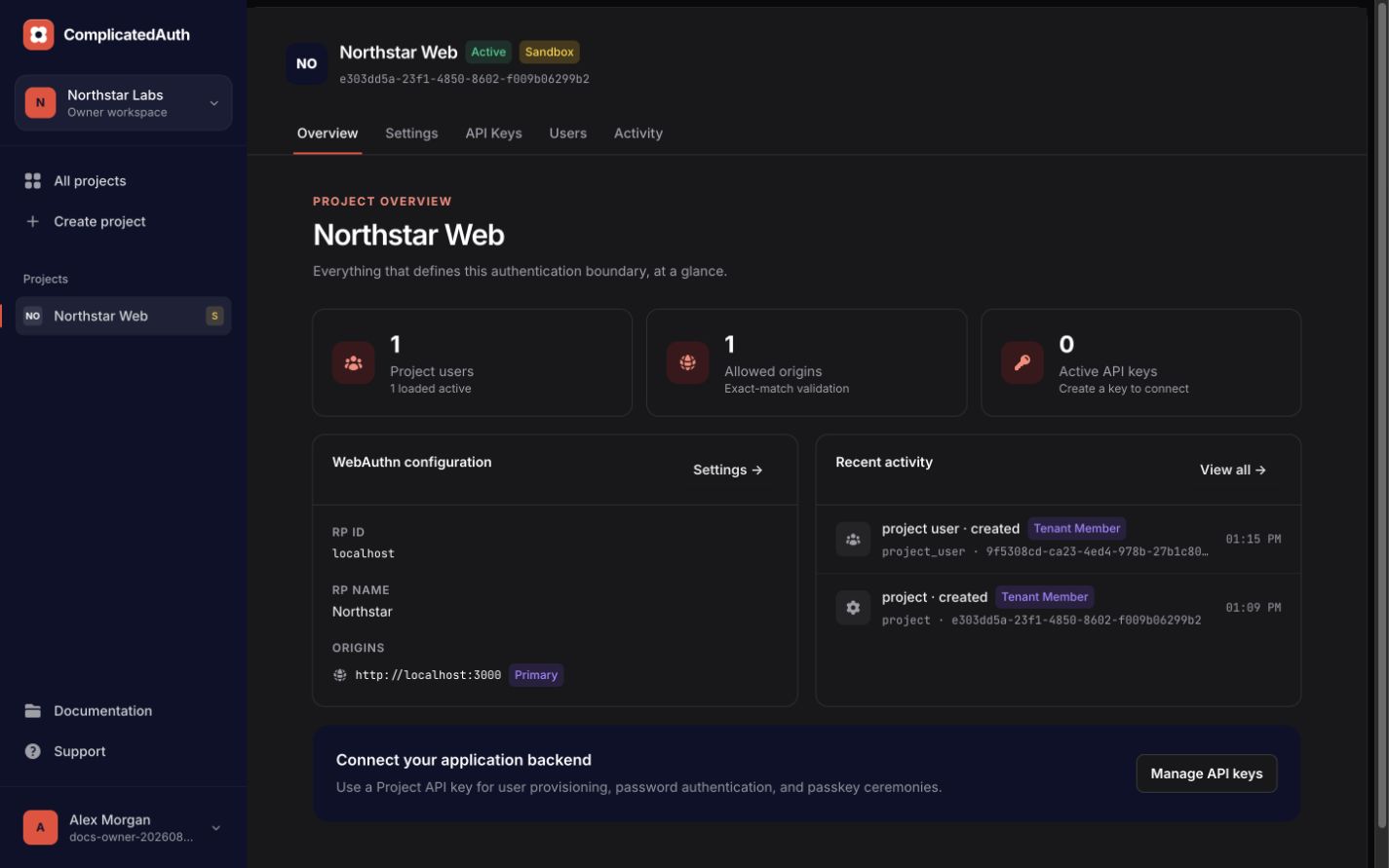
Metrics, WebAuthn configuration, recent activity, and the integration prompt.
Lifecycle, environment, RP settings, lock state, and exact allowed origins.
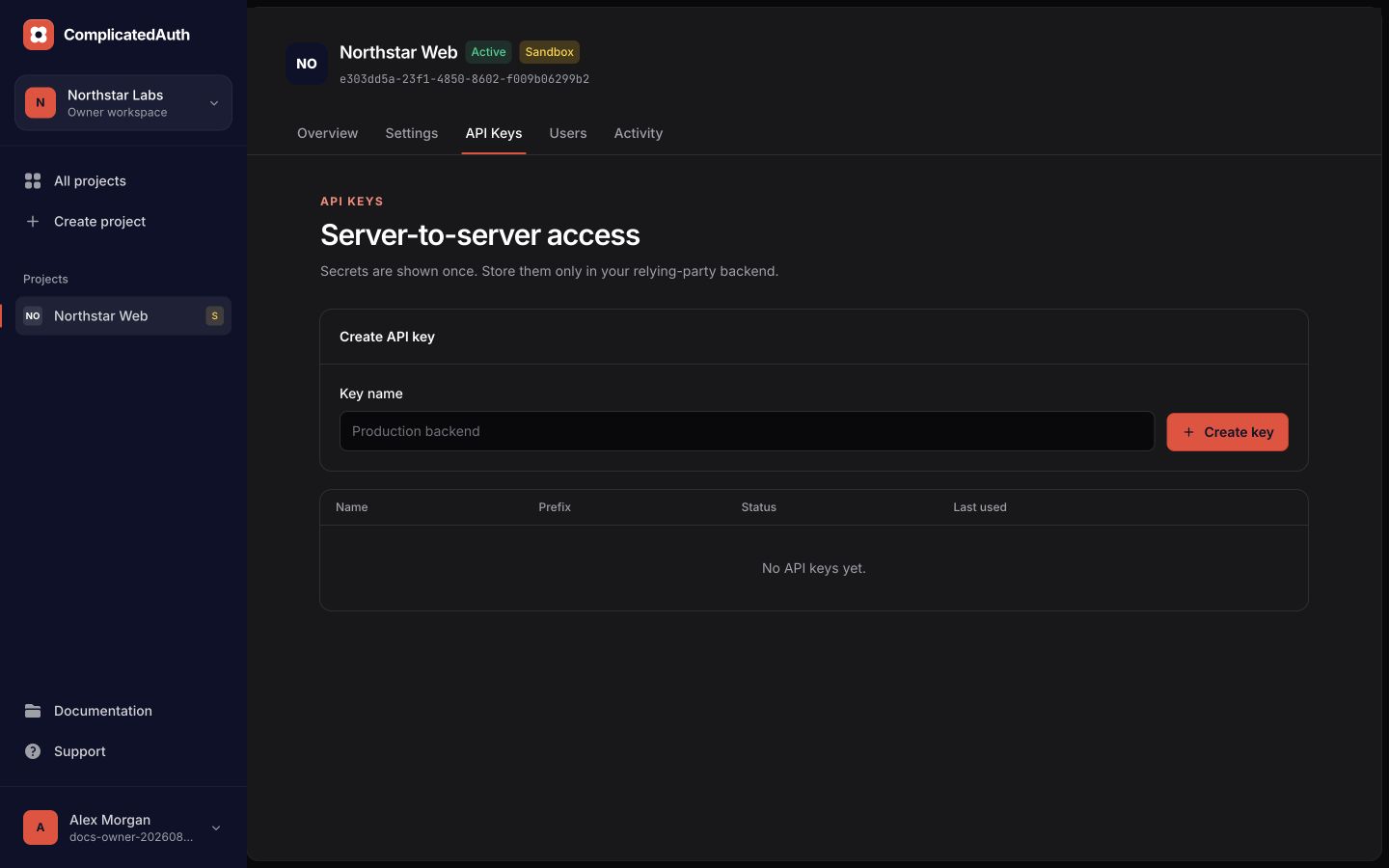
Grant exact scopes, issue expiring versions, overlap deployments, observe last use, and revoke independently.
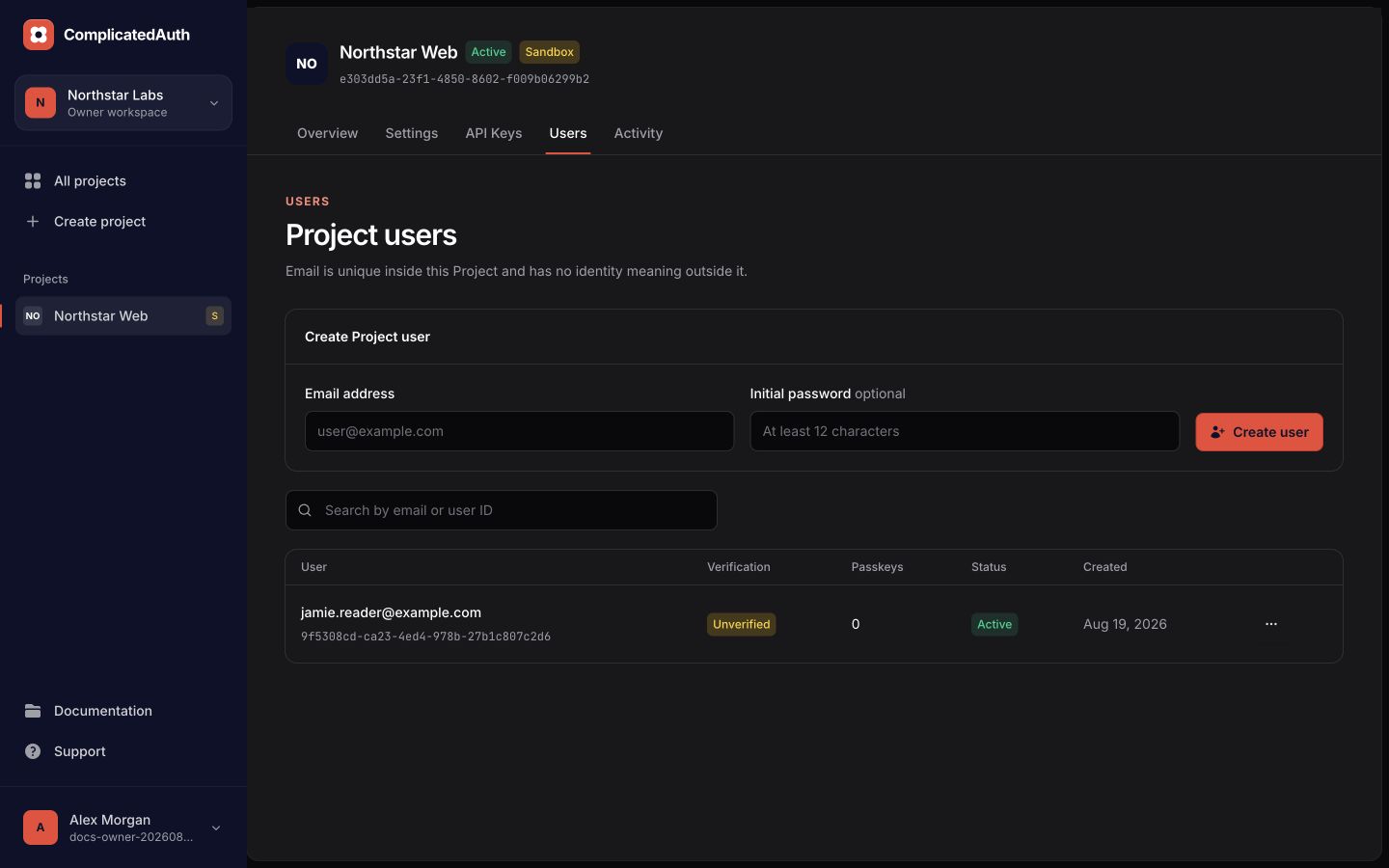
Provision, verify, disable, replace passwords, revoke sessions, and remove credentials.
Cursor-paginated security events with actor, target, and timestamp.